Real-Time Translation for Global Education: Building a Pipeline for Browser Audio
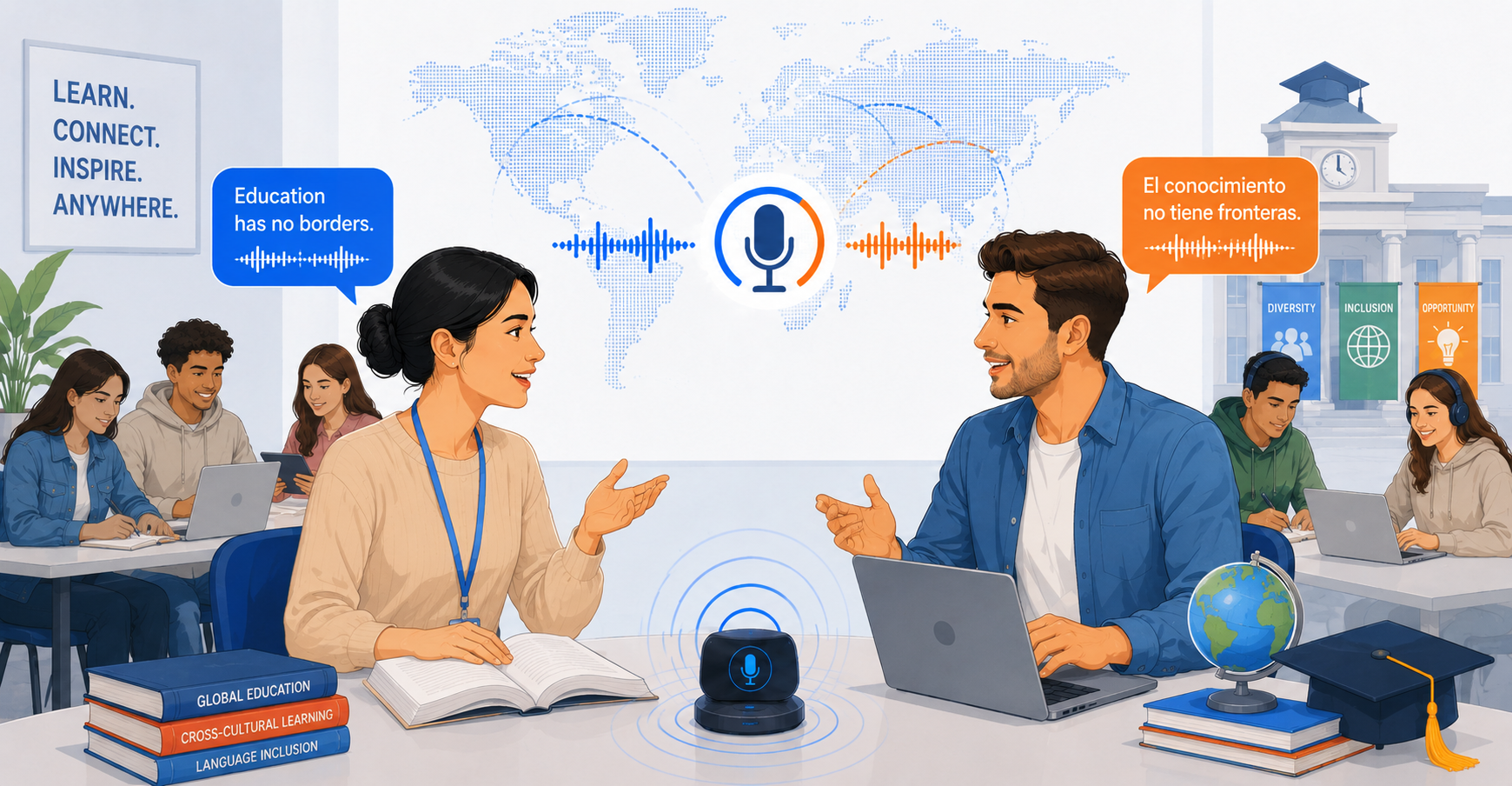
The browser has quietly become one of the world's biggest classrooms.
Students attend university lectures through web applications. Developers follow technical workshops from different countries. Researchers present their work through virtual events. Teams use browser-based webinars and demonstrations to share knowledge across borders.
The content is accessible.
The language isn't always.
That creates an interesting engineering problem: how can spoken audio already playing in a browser be translated in real time without requiring the original platform to provide a translated version?
The answer involves more than sending a sentence to a translation model. A useful system has to deal with audio capture, speech recognition, language processing, context, latency, and output delivery as one continuous pipeline.
Why Real-Time Translation Is Harder Than Text Translation
Text translation usually starts with a complete piece of text.
A real-time speech system doesn't have that luxury.
Speech arrives continuously. Speakers pause, correct themselves, change direction, use abbreviations, and refer to things they mentioned earlier.
Educational and technical content adds another layer of complexity.
Consider an instructor demonstrating a software configuration and saying:
"Now change this value in the configuration panel."
The sentence is easy to translate literally.
But what does "this value" refer to?
The answer might depend on something the instructor explained thirty seconds earlier or something currently visible on the screen.
This is why real-time speech translation is better understood as a streaming language-understanding problem rather than a simple translation task.
A Practical Real-Time Translation Pipeline
At a high level, a browser-based translation workflow can look like this:
Browser Audio → Audio Capture → Speech Recognition → Language Detection → Context + Translation Processing → Translated Text / Speech → Real-Time Delivery
Each stage has a different responsibility.
Audio capture
The first requirement is access to the spoken audio.
For browser-based learning, the audio may already be playing inside a browser tab. Instead of requiring the user to find a separate translated version of the content, the browser audio can become the input to the translation workflow.
This is the basic idea behind browser audio translation.
The translation system doesn't necessarily need to know which website is being used. The important part is that spoken content is being delivered through the browser and can be provided as translation input.
Speech recognition
Once audio is available, a speech-recognition component converts spoken language into information the downstream system can process.
This stage needs to cope with real-world speech:
Different accents
Different speaking speeds
Background noise
Pauses and incomplete phrases
Technical terminology
Multiple speakers
For live applications, recognition also needs to happen incrementally rather than waiting for an entire lecture or webinar to finish.
Language detection
A multilingual system needs to determine which language is being spoken before applying the appropriate translation process.
In some scenarios, the expected source language may already be known. In others, automatic detection can make the experience more flexible.
Either way, language identification becomes part of the real-time pipeline rather than a separate manual step.
Context and translation
This is where the problem becomes more interesting.
A sentence rarely exists in isolation during a lecture or technical demonstration.
Useful contextual information can include:
Recent conversation history
Session context
Previously introduced terminology
User-provided instructions
Relevant information available from shared content
The purpose isn't to collect context indiscriminately.
It's to provide the translation system with relevant information that can help it interpret what the speaker means.
For technical and educational content, that distinction matters because terminology and references often build throughout a session.
Output delivery
The final translated result needs to reach the user quickly enough to remain useful.
Depending on the application, the output might be translated text, synthesized speech, or both.
For a live lecture, excessive delay can make the learner constantly switch between what the instructor is saying and what the translation system is producing.
This makes latency an important part of the overall user experience.
Why Latency Matters in Live Translation
Translation accuracy is important.
But accuracy alone doesn't make a translation system feel real-time.
Imagine a lecturer explaining a process while the translation arrives several seconds after every statement. The translation may be correct, but the learner's attention is constantly split between the original presentation and delayed output.
A streaming approach can reduce this friction by processing information continuously.
The engineering goal is therefore not simply:
"Translate this sentence accurately."
It is closer to:
"Translate this ongoing stream accurately enough, quickly enough, and with enough context that the user can continue following the conversation."
That changes how the entire system needs to be designed.
Why Context Matters for Online Lectures
This is particularly important for real-time translation for online lectures.
Educational content is cumulative.
An instructor might introduce a concept early in the session, shorten its name later, and eventually refer to it indirectly. A translation system that treats every utterance as an independent request can lose some of those relationships.
The same issue appears in technical training.
A presenter might explain an API, demonstrate a configuration, and then refer to "the endpoint" several minutes later.
The term itself is easy.
Understanding which endpoint the presenter means depends on the discussion that came before it.
Context-aware translation can help preserve that continuity.
Why Browser Audio Is an Interesting Input
A growing amount of education and professional communication already happens inside browser tabs.
Think about:
Online courses
University lectures
Technical workshops
Research presentations
Software tutorials
Webinars
Virtual conferences
Product demonstrations
In many of these cases, the spoken audio already exists as part of the browser experience.
That creates an opportunity to separate content delivery from language accessibility.
The original platform can continue delivering its content while a translation system works with the available audio as an input.
This makes browser audio translation interesting beyond education. The same architecture can apply to technical training, research communication, professional webinars, and other spoken online content.
Where Real-Time Translation Can Help
The technical architecture becomes useful when it solves a practical communication problem.
Online learning
Students can follow lectures and courses delivered in languages they don't normally understand fluently.
Technical training
Training sessions often combine spoken instructions, specialized terminology, and demonstrations. Context can help connect the explanation with the workflow being shown.
Research presentations
Researchers can explore presentations and demonstrations from international teams without waiting for a separately translated version.
Webinars and virtual events
Organizations can make existing browser-based presentations easier for multilingual audiences to follow in real time.
Software tutorials
When narration describes actions taking place on screen, translated audio can help the learner follow the explanation without constantly pausing the tutorial.
Where PolyTalk Fits
This is the type of workflow supported by PolyTalk's Share Audio capability.
Audio from a shared browser tab can be used as translation input for scenarios including online lectures, technical training, research presentations, R&D demonstrations, webinars, conferences, product demonstrations, and software tutorials.
For longer or more specialized sessions, PolyTalk can also use available contextual signals such as recent conversation history, session context, custom instructions, and, where applicable, relevant visual information from shared content.
The important architectural idea is that the system focuses on the spoken content being delivered through the browser rather than being tied to one particular website.
What Developers Should Consider
Building this kind of system isn't just about selecting an AI model.
The surrounding architecture matters.
A practical implementation needs to consider:
Latency: How quickly can audio move through the pipeline and produce useful output?
Context management: How much previous information should be retained, and which parts are actually relevant?
Terminology: How should technical names, acronyms, APIs, and domain-specific vocabulary be handled?
Audio quality: How does the system behave with noise, poor microphones, or multiple speakers?
Language detection: When should the system automatically identify a language, and when should the user specify it?
Scalability: Can the pipeline maintain useful performance during a long lecture or webinar?
These aren't isolated problems. Changes to one stage can affect the rest of the system.
For example, increasing the amount of contextual information may improve interpretation but can also increase processing requirements. Reducing latency may require more incremental processing. Improving speech recognition doesn't automatically guarantee better translation.
Real-time translation is therefore an end-to-end systems problem.
The Bigger Engineering Opportunity
The interesting part of multilingual education isn't simply translating more words.
It's making knowledge easier to access without requiring every piece of content to be recreated for every language.
The web already provides the distribution layer.
AI can increasingly provide the language layer.
When browser audio, speech recognition, contextual language processing, translation, and real-time output are combined carefully, a lecture created in one language can become easier for learners around the world to follow.
That doesn't eliminate the need for good teaching, accurate terminology, or human judgment.
It simply reduces one of the barriers standing between people and the knowledge they are trying to access.
For developers, that makes real-time translation for global education an interesting problem at the intersection of AI, speech processing, browser technology, and multilingual user experience.


